This is a course course to boost your knowledge and start creating with Notch from zero to your live perfomence without previous knowledge.
You’ll learn how to navigate the Builder UI, how to create live effects, work with 3D objects and animated 3D with realtime interaction and incredible render capabilities for Vjing and videomapping.
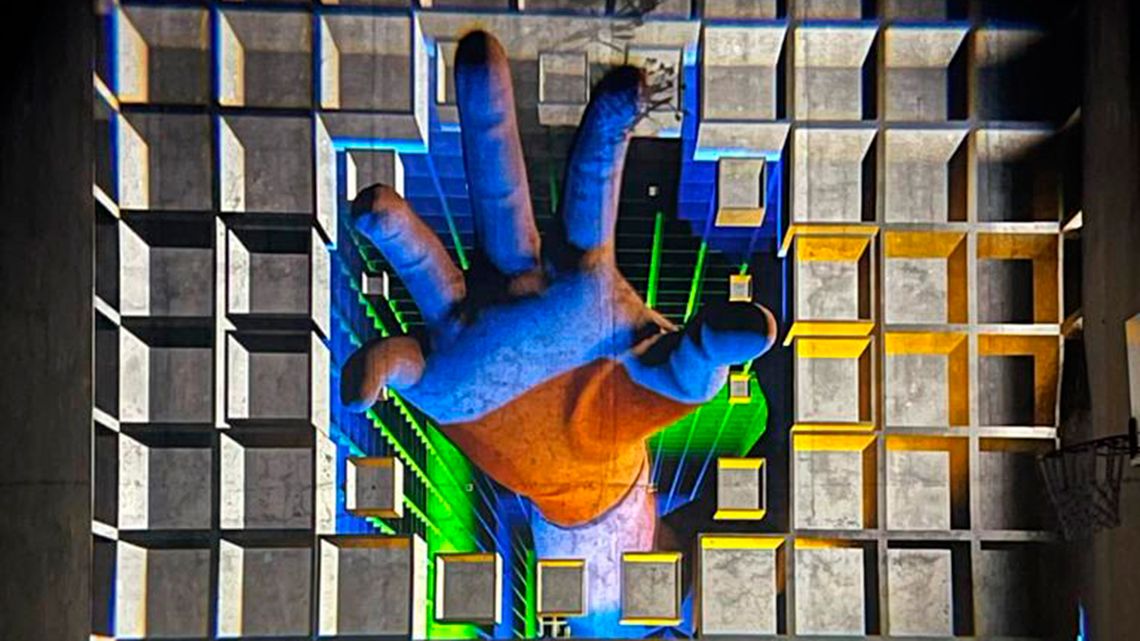
This course serves for boosting the creation of generative realtime vjing and video mapping content creation or livemappinmg.
What you will learn
Introduction to Builder: an in-depth walkthrough of the UI and workflow tools.
Video Compositing & VFX: adjusting the viewport, working with post-FX nodes, video nulls and green screen keying.
Lights: working with basic lights, deferred rendering, shadow casting, area lights, environment maps, volumetric lighting, using skyboxes and working with reflections.
Materials: basic material understanding, using separate material nodes, texture mapping and material editing inside of Builder.
Modifiers: workshop showcasing the use of math and continuous Modifiers, including some nice tips, tricks and best practices.
Particles: how to set up a particle scene using Emitters, Affectors, 3D particle trails, IMAG emitting and post-FX.
File formats: we will explore the various 3D file formats and showcase the differences and benefits of each supported format (like .c4d, .fbx, .abc, .obj and .lwo)
Exporting: learning how to export videos (and the various options available)
Realtime control with Android/ios without additional software
Interaction with VJ software and videomapping: Resolume Arena and Madmapper
Export: Learn to export videos (and the various options available)
Free personal projects and resources for instant use and comercial use.